



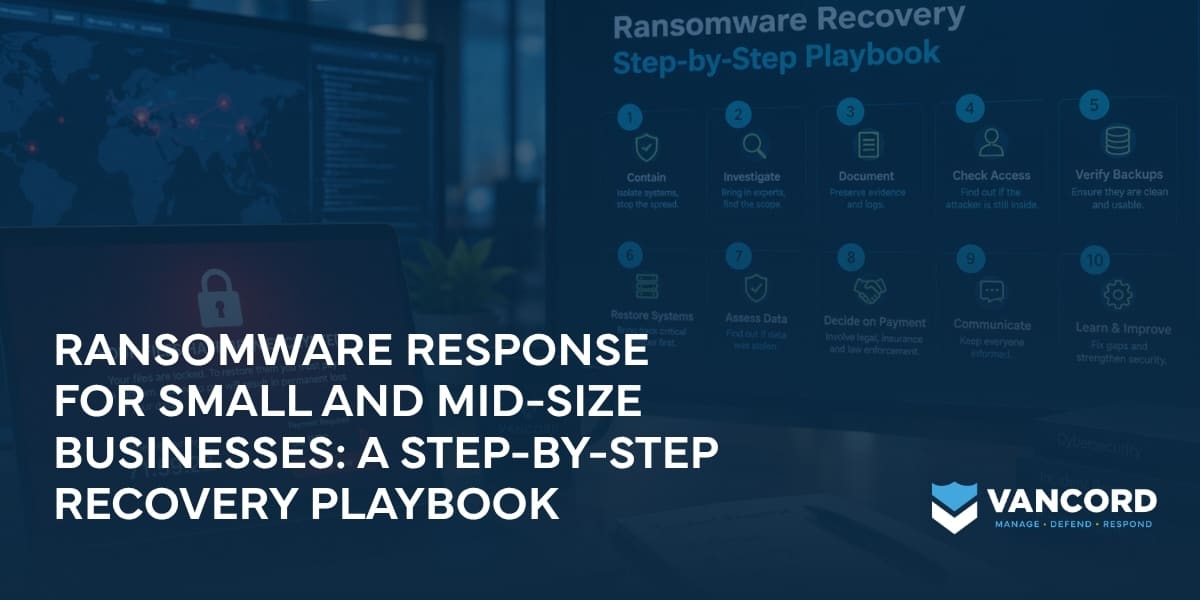
The call comes early. Files won’t open. A shared drive is locked. Someone has found a ransom note on a workstation. Nobody knows yet how far the attacker got, and leadership needs answers. Ransomware response is difficult because several decisions have to happen at once, but they don’t all need to happen at once. The order matters. This ransomware recovery playbook explains what to do first, what to avoid, and how to move from containment to a safe return to normal operations.
What Should You Do First During a Ransomware Attack?
The first priority in a ransomware response is containment. Isolate affected systems, protect evidence, bring the right people into the response, and prevent the attacker from reaching more systems or backups. Do not rush straight to restoring files or rebuilding computers before you understand what happened.
The latest guidance from the Cybersecurity and Infrastructure Security Agency (CISA) follows the same basic sequence: identify impacted systems, isolate them, investigate the incident, contain and remove the threat, then restore systems from protected backups.
That order is worth remembering.
Contain first. Investigate second. Recover third.
For a small or mid-size business, having that sequence written down can take a lot of pressure off the people responsible for responding.
Why Ransomware Response Is Different for Small and Mid-Size Businesses
Ransomware doesn’t only affect large corporations. Small and mid-size businesses can be attractive targets because they often have smaller IT teams, fewer security specialists, and less room for downtime.
The 2026 Verizon Data Breach Investigations Report found ransomware in 48% of breaches in its dataset, up from 44% the previous year. Verizon also found that third-party involvement reached 48% of breaches, showing how much risk can extend beyond a company’s own systems.
The size of the company changes the recovery problem, too.
A manufacturer may need to bring production systems back safely. A healthcare organization may have patient care systems that cannot simply be taken offline. A financial business may need to keep customer services available while investigating whether sensitive information was accessed.
There’s no universal recovery order.
The right order depends on which systems keep your business running.
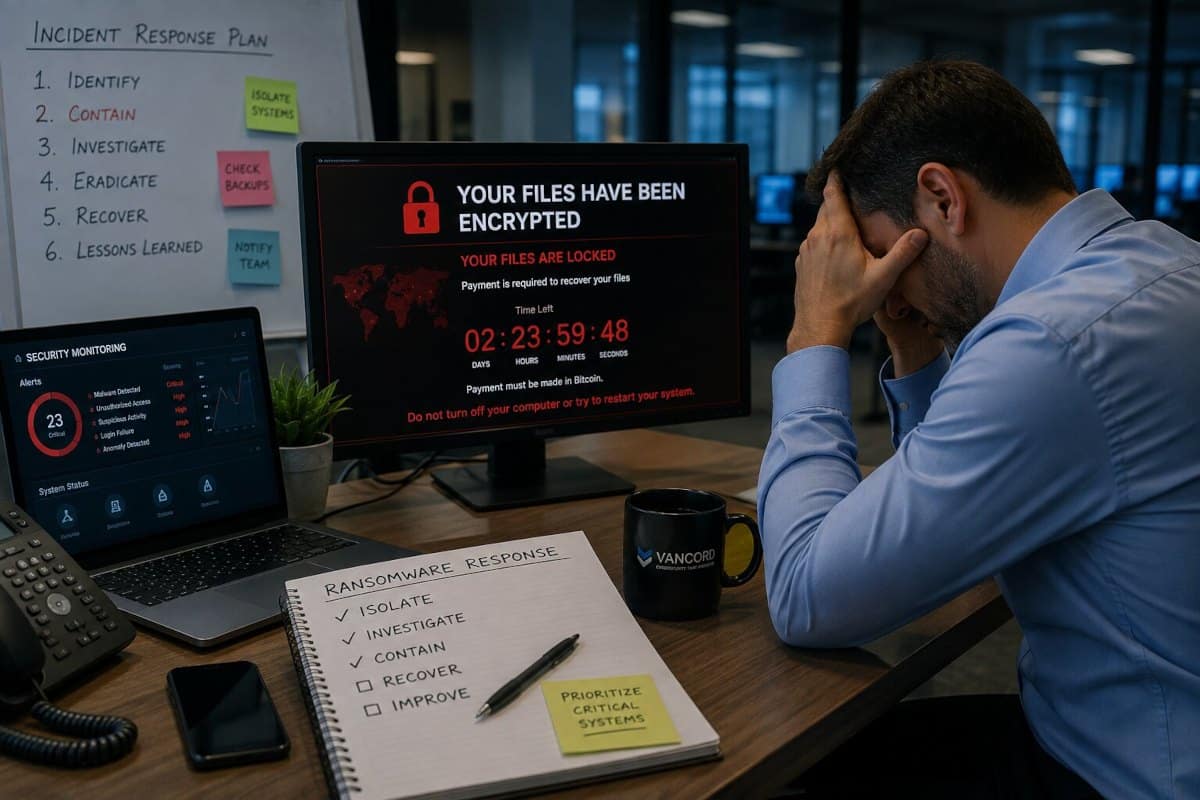
Immediate Response: The First Steps After Ransomware Hits
Step 1: Isolate Affected Systems
When ransomware is confirmed, disconnect affected systems from the network as quickly as possible.
That may mean removing an Ethernet cable, disconnecting Wi-Fi, isolating a network segment, or taking a wider portion of the network offline if several systems appear affected. CISA specifically recommends immediate isolation and says organizations should prioritize critical systems while coordinating the response carefully.
Don’t automatically shut down every affected computer.
If a system can’t be disconnected another way, powering it down may be necessary. But turning off a system can remove useful information stored in memory, so that decision should be made with your incident response team when possible.
Also think about how your team communicates.
If you suspect the attacker is still active, don’t assume email or internal messaging is safe. Use a separate communication method for the response team.
Step 2: Bring in Incident Response Help
Ransomware recovery isn’t the right time to let everyone try to fix the problem independently.
An incident response team can help determine what happened, protect evidence, contain the attacker, and guide recovery. Vancord’s Cybersecurity Incident Response services are built around that process, including containment, investigation, recovery, and understanding the root cause.
Your cyber insurance carrier should also be contacted according to your policy. Some policies require prompt notice and may provide access to approved legal, forensic, or recovery partners.
The key is coordination.
You want one response process, not five separate troubleshooting efforts working against each other.
Step 3: Document What You See Before You Clean It Up
Ransomware can create a strong urge to start deleting things. Slow down.
Record what you can while the evidence is still available. Note when the problem was first discovered. Photograph ransom notes if appropriate. Record which systems appear affected and which users reported problems. Preserve relevant alerts and logs.
That information can help investigators build a timeline.
It can also matter later for your insurance claim, legal review, regulatory reporting, and internal lessons learned.
One of the easiest mistakes to make during a ransomware incident is changing the environment before anyone has documented its original state.
Once that information is gone, it may be impossible to recreate.
Step 4: Determine Whether the Attacker Is Still Inside
Restoring a locked server doesn’t mean the attacker is gone.
Ransomware is often the final stage of an intrusion that started earlier. The attacker may have stolen credentials, moved between systems, disabled security tools, or established another way back into the environment.
Your response team should investigate the initial access point and look for signs of continued access.
- Was an account compromised?
- Was a remote access service exposed?
- Did a phishing email lead to credential theft?
- Was there an unpatched system?
- Which systems did the attacker reach before encryption started?
Vancord’s Incident Response Services include forensic investigation, root cause analysis, remediation, and secure recovery. Finding the entry point matters because restoring the environment without closing it can lead to another incident.
Step 5: Check Your Backups Before You Restore Anything
Backups are often the most important recovery tool a business has.
They’re also a common target.
CISA recommends maintaining offline, encrypted backups and regularly testing their availability and integrity because ransomware can attempt to delete or encrypt backups that remain accessible from the network.
Before restoring anything, determine when the backup was created and whether the attacker could access it.
Don’t assume the newest backup is the best backup.
An infected backup may simply give you a clean-looking copy of an already compromised environment.
Test the restore process. Know which data can be recovered first. Know how long critical systems are expected to take.
That preparation can make ransomware recovery much more predictable.
Step 6: Restore Critical Systems in the Right Order
Recovery should follow business priorities, not convenience.
Start with the systems that matter most to safety, revenue, customer service, or essential operations. CISA recommends using predefined critical asset priorities when deciding what gets restored first.
For a manufacturer, that might mean production systems.
For a healthcare provider, clinical systems may come first.
For a financial business, customer and transaction systems may take priority.
Restore onto a clean environment when possible. Rebuild compromised machines rather than assuming the original system is safe because the encrypted files have been removed.
Vancord’s Containment and Restoration Services can help organizations move from active containment toward controlled restoration without losing sight of the security issues that caused the incident.
Step 7: Decide What Happened to Your Data
Ransomware recovery isn’t only about getting files back.
Some attacks also involve data theft.
If sensitive information was copied, the incident may create privacy, contractual, regulatory, or notification obligations. That can include employee records, customer data, financial information, intellectual property, or protected health information.
Don’t guess about whether data was stolen.
Use the investigation to determine what evidence exists, then work with legal counsel and other required parties to assess your obligations.
The sooner you establish the facts, the more options leadership has.
Step 8: Don’t Make the Ransom Payment Decision Alone
A ransom demand creates pressure.
Your business may be offline. Employees may be unable to work. Customers may be asking questions.
Still, payment shouldn’t be treated as the automatic next step.
There is no guarantee that paying will restore your systems or prevent stolen data from being released. Verizon’s 2026 DBIR reported that 69% of ransomware victims in its dataset did not pay.
The decision should involve your legal counsel, cyber insurance carrier, incident response team, and appropriate law enforcement contacts.
The FBI’s Internet Crime Complaint Center, or IC3, is one of the federal reporting options for ransomware incidents, and CISA’s ransomware guidance also recommends coordinating with federal authorities during response.
Don’t make a decision this significant in isolation.
Step 9: Communicate Clearly While Recovery Continues
Ransomware affects more than servers.
Employees want to know when they can work again. Leadership needs to understand the business impact. Customers may need reassurance. Partners and regulators may need information depending on what happened.
Someone should own communication throughout the incident. Keep updates factual.
Say what you know, what you’re investigating, and what happens next. Avoid guessing about the scope of the incident before the investigation has established it.
A tested Incident Readiness plan gives your team a place to start before a real ransomware event creates pressure.
If your team isn’t sure who makes these decisions today, that’s a useful gap to find before an incident does it for you. Vancord can help build and test a practical response process through incident readiness and tabletop exercises.
Step 10: Learn From the Incident
Getting employees back to work is not the finish line. After recovery, review the entire event.
- How did the attacker get in?
- What did your team detect?
- What took too long?
- Which controls worked?
- Which systems were harder to restore than expected?
- Were your backups actually usable?
- Did leadership know who had decision authority?
Then fix the gaps.
Vancord’s Tabletop Exercises and Incident Response Testing can help teams practice these decisions without the pressure of a real attack.
This is also a good time to look at continuous monitoring. Vancord’s Managed Detection and Response service gives organizations access to security analysts who investigate suspicious activity and help respond to confirmed threats.
What a Real Ransomware Recovery Can Look Like
A real incident rarely follows a neat checklist.
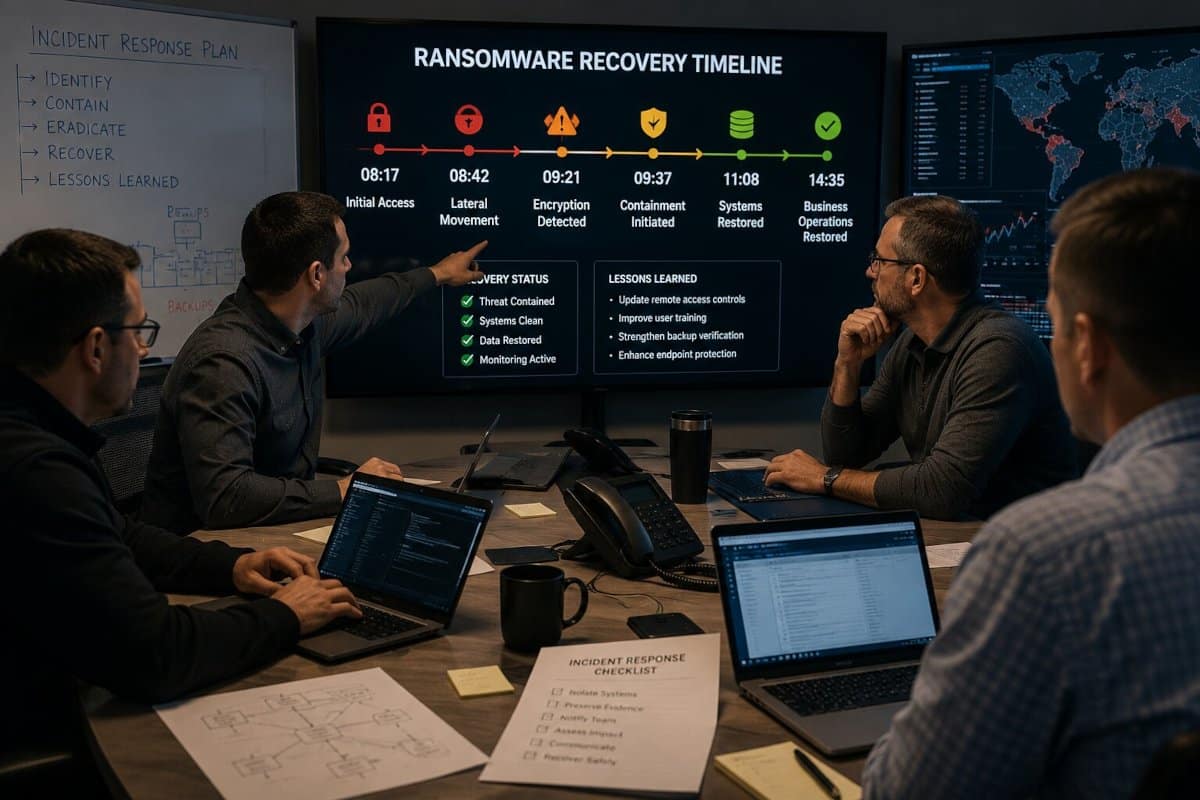
Vancord’s CyberSound episode, Ransomware Attack Timeline: A Walkthrough of the Disruption, walks through actual ransomware scenarios and shows an important lesson: early visibility and effective containment can dramatically change the recovery timeline.
Vancord’s experts describe one incident that lasted for months because of delayed visibility and repeated recovery attempts while the attacker remained present. A different ransomware event was contained much earlier and recovered in roughly three months because detection happened sooner, containment began quickly, and unaffected backups were available. The difference wasn’t luck. The sequence of response actions mattered.
The same lesson appears in Vancord’s work with organizations that have faced real incidents. The Committee for Public Counsel Services case study shows what an extended ransomware recovery can demand from an organization and its response team.
These examples are useful because they show what a playbook looks like under real pressure.
Ransomware Recovery Should Start Before the Attack
The best time to discover a gap in your ransomware plan is before ransomware arrives.
Your team should know who leads the response, which systems are most important, where the clean backups are, who contacts the insurer, how evidence is preserved, and how recovery decisions are made.
That doesn’t require a giant security department.
It requires preparation, clear ownership, tested backups, and the right support when your internal team needs it.
Frequently Asked Questions About Ransomware Response
What should I do first during a ransomware attack?
Isolate affected systems first and prevent the ransomware from spreading. Then bring in your incident response team, preserve useful evidence, and begin investigating the scope of the compromise.
Should I turn off a computer infected with ransomware?
Not automatically. If you can disconnect it from the network, that may preserve useful information for investigators. CISA says powering down may be necessary when network isolation isn’t possible, but doing so can remove evidence stored in memory.
Should a business restore backups immediately after ransomware?
No. First make sure the attacker has been contained and the backup itself is clean and usable. Restoring too early can bring the attacker back with the restored systems.
How long does ransomware recovery take?
There isn’t one standard timeline. Recovery depends on the size of the environment, the damage, the availability of clean backups, and how quickly the attacker is contained. Vancord’s ransomware timeline examples show that incidents can range from weeks to months, depending on those factors.
Build the Plan Before You Need It
The steps above work best when you’ve already thought through the decisions, established the relationships, and tested your backups. Ransomware response under pressure is much harder than ransomware response with a plan.
Request a cybersecurity readiness assessment to see where your organization’s gaps are before an incident forces the question. Vancord’s team will help you identify what needs attention and build a response plan that you can actually execute when the time comes.